Deep Recall
Deep Recall answers questions that one search cannot: which decisions were reversed, how an approach changed over time, or where different agents disagreed. It plans several searches, reads the strongest conversations in full, and writes an answer that cites each conversation it relies on. To find one conversation you already have in mind, use Search instead.
- App
- Deep Recall
- CLI
hansard deep-recall- In your agent
/deep-recall
Research in the app
Section titled “Research in the app”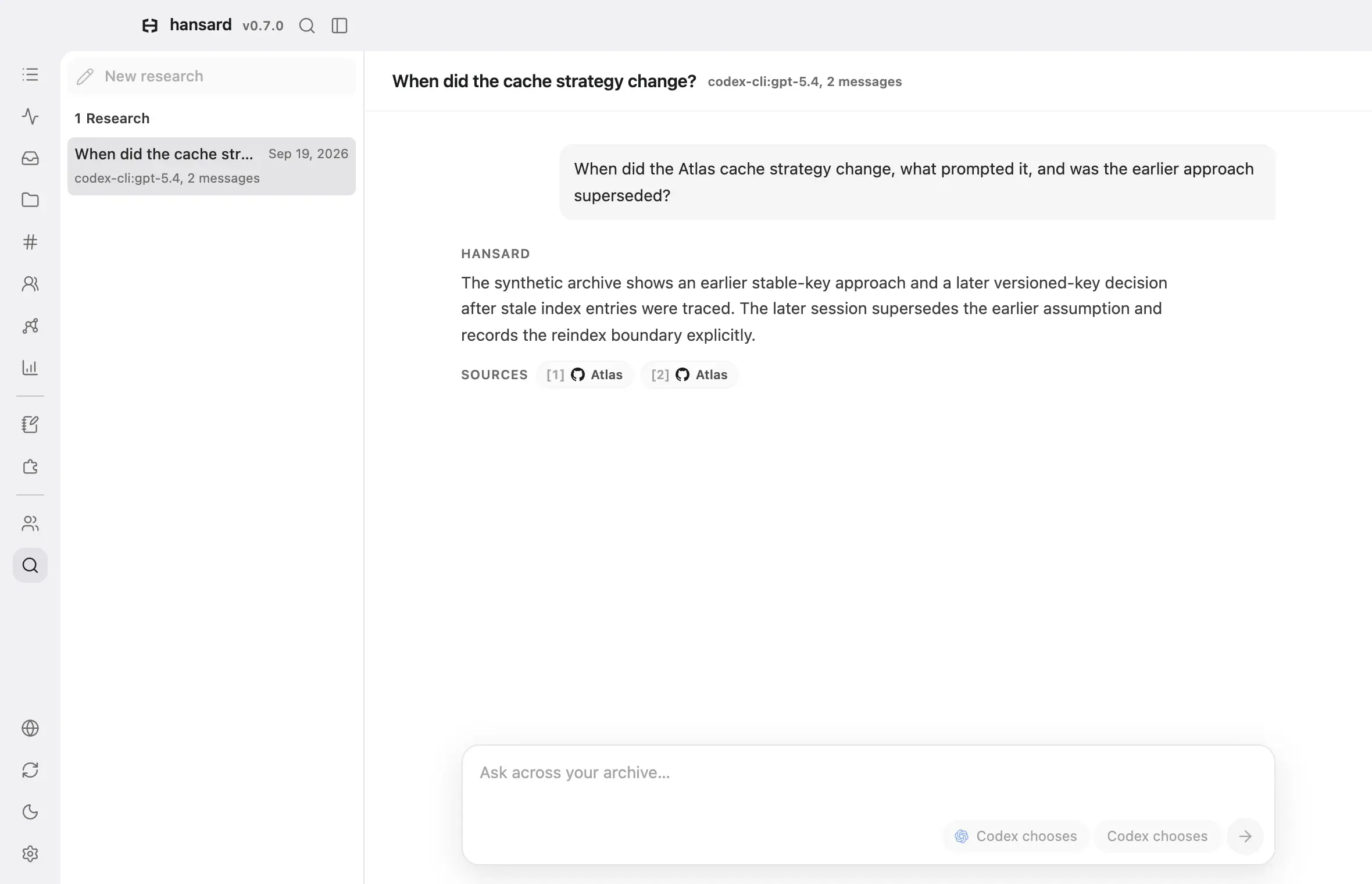
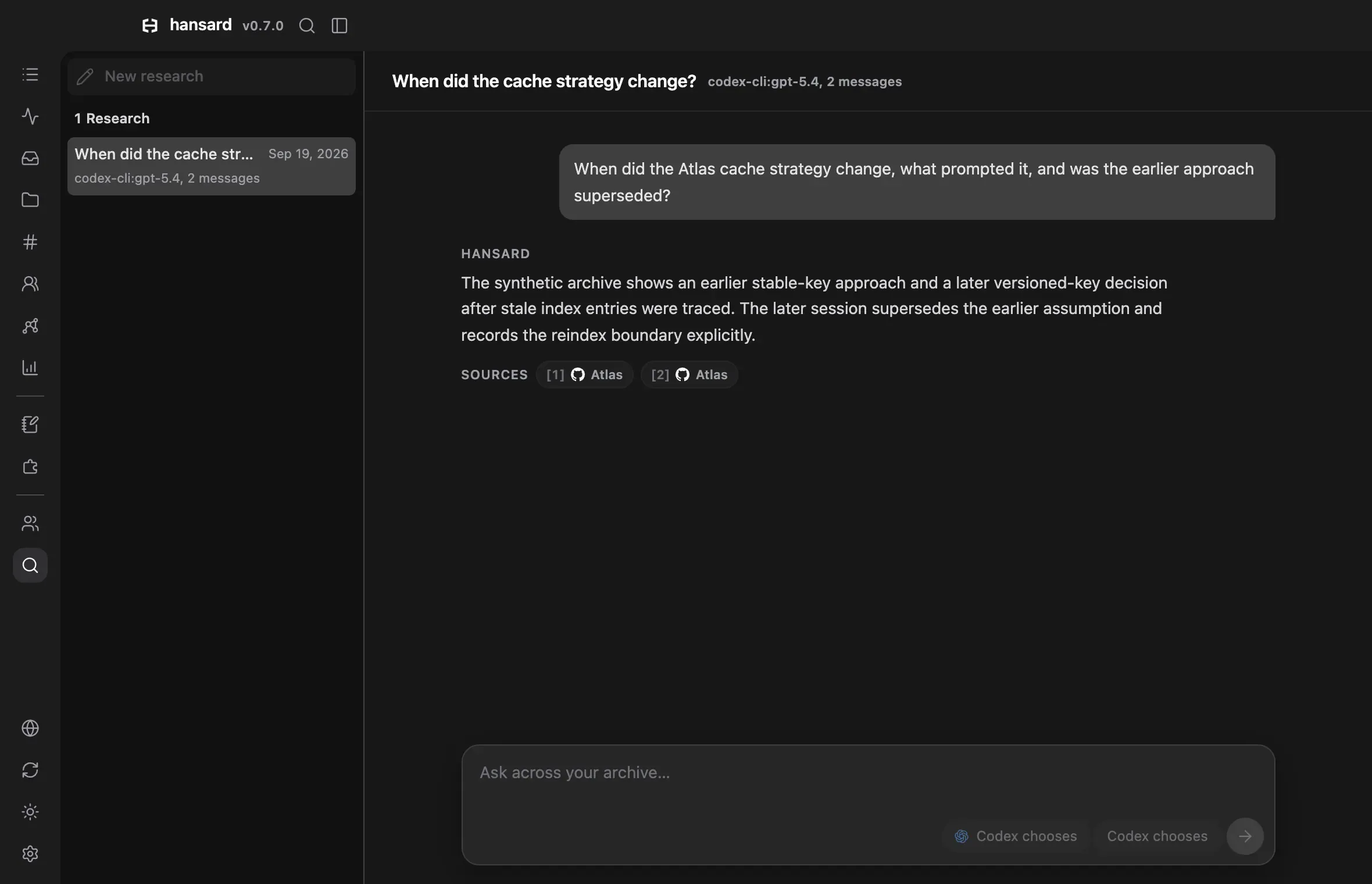
- Select Deep Recall in the dock.
- To start a new research thread, select New research above the thread list. To continue an earlier thread, select it in the list.
- Choose a model with the model chip beside the send button. The menu lists
the models the installed
codexandclaudeCLIs offer in their own model menus, with their descriptions. The first row under each CLI leaves the model to that CLI and names the model it starts with. When the model has reasoning effort levels, choose one with the effort chip beside it. Each CLI uses its existing sign-in. - Type a question in the box, or select one of the sample questions, and send it. To name a file, drop it on the box to add its full path at the cursor. Browsers usually keep file paths private, so this works in the desktop app and in browsers that share them.
- Watch the progress line as Deep Recall plans the search, searches the archive, loads and analyzes whole conversations, and checks citations. Select Cancel to stop.
- Read the answer. Numbered citations mark claims that come from the archive, and Sources lists every cited conversation. Select a citation to open that conversation.
- Ask a follow-up in the same thread. Deep Recall uses the earlier questions and answers to understand what you mean.
If an answer shows Citation check failed., some claims could not be matched to a conversation Deep Recall read. Treat that answer as an unverified draft.
If the app closes before an answer is saved, the turn shows Deep Recall interrupted the next time you open it. Select Retry on the latest interrupted turn to ask the same question again in the same thread.
Where research threads are kept
Section titled “Where research threads are kept”Research threads are stored on this machine only. They do not appear in
Sessions, search, Stats, Projects, or notifications, and Personal Sync
and Teams do not upload them, because one answer can combine evidence from
unrelated projects. hansard update keeps them when it rebuilds the archive.
Research from the CLI
Section titled “Research from the CLI”Ask a question:
hansard deep-recall "Which decisions were reversed after implementation? Identify the evidence that changed them."Deep Recall uses the Codex CLI unless you choose Claude. Leave out --model to
use the CLI’s default model:
hansard deep-recall "Compare every caching design considered for the request pipeline. Which one was implemented, and why?" --repo github.com/example/app --backend claude --model opusNarrow the conversations it considers with the same filters as
hansard history:
hansard deep-recall "Which release blockers remained unresolved after implementation?" --provider codex-cli --since 90d --limit 8Add --json to get the search plan, the ranked candidates, each reader’s
report, the citations, and a coverage summary:
hansard deep-recall "What unresolved release work from the last 90 days still has no documented outcome?" --since 90d --json| Option | What it does |
|---|---|
--backend codex|claude |
Chooses the CLI that runs the research. The default is codex. |
--model <id> |
Chooses a model. Leave it out to use the CLI’s default. |
--effort <level> |
Chooses a reasoning effort the model offers. Leave it out to let the CLI choose. |
--repo <repo-or-path> |
Limits searches to a repository or path. |
--provider <source> |
Limits results to one harness or source ID. |
--tool <name> |
Requires conversations that called a tool. |
--command <head> |
Requires conversations that ran a shell command. |
--since 90d|all |
Limits the time window. |
--limit <count> |
Sets how many whole conversations to read, from 1 to 50. The default is 12. |
--json |
Prints the full research result as JSON. |
The same rule applies from the CLI: matching conversation content is sent to the model service behind the CLI you choose.
Ask questions that work well
Section titled “Ask questions that work well”Deep Recall is most useful when the answer depends on order of events, competing approaches, or evidence spread across several conversations.
| Goal | Example question |
|---|---|
| Trace reversals | “Which decisions were reversed after implementation? Identify the evidence that changed them.” |
| Compare attempts | “Which recurring problem drew the most competing approaches? Compare their outcomes.” |
| Reconstruct an outcome | “Where did assistants disagree on the same decision across harnesses, and what was built?” |
| Recover open loops | “What unresolved work from the last 90 days still has no documented outcome?” |
Name the project, feature, or decision when you know it. Leave the question open when you want Deep Recall to discover where something happened, then narrow it with filters.
How a run works
Section titled “How a run works”- A planner turns the question into several searches by keyword, project, harness, tool, command, and time window.
- Hansard runs the searches and merges conversations that match more than one.
- The strongest matches are loaded as whole conversations.
- A separate reader checks each conversation against your question.
- A final step combines the readers’ reports into an answer and cites each archive-based claim with its session ID.
- Hansard checks that every cited session exists and notes what the search could not cover.
Read the answer carefully
Section titled “Read the answer carefully”A claim with a citation can be traced to a conversation that Deep Recall read. Select the citation to check it yourself.
“Not found” means nothing supporting was found in the searches Deep Recall ran
and the conversations it read. It does not prove that something never
happened. If you expect an answer, name the project or time window, raise
--limit, or check that the harness is imported.
Common questions
Section titled “Common questions”How is Deep Recall different from search?
Section titled “How is Deep Recall different from search?”Search finds conversations that match what you type. Deep Recall plans several searches, reads the strongest conversations in full, and writes an answer that cites each one, so it fits questions about how something changed over time.
Which models does Deep Recall use?
Section titled “Which models does Deep Recall use?”The Codex or Claude model you choose, through the codex or claude CLI and
the sign-in it already has. Matching conversation text goes to that model’s
provider for each question you ask, and nothing runs in the background.